Rotate a picture or shape
Se aplica a:
Word para Office 365 Word 2016 Más... Menos
1. Select the picture
or shape.
2. Under Drawing Tools
(or Picture Tools if
you're rotating a picture), on the
Format tab, click Rotate, and then click More Rotation Options.
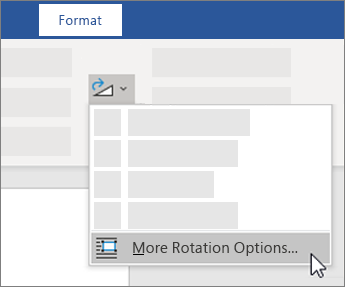
3. Enter the amount
that you want to rotate the object in the
Rotation box.