Use Word on a mobile
device
Se aplica a:
Word para Office 365 Word 2016 Más... Menos
You can stay productive on the
go, using the Word mobile app.
1. Download the app for your device:
iPad
or iPhone: App Store
Android
tablet or phone: Play Store
Windows
tablet or phone: Microsoft Store
2. The first time you use the Word app, sign in with your
Office 365 name and password.
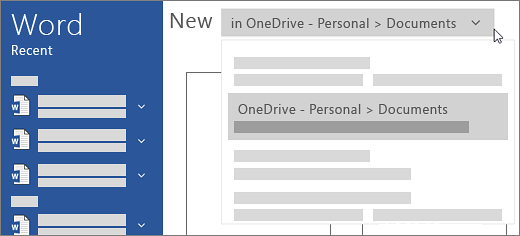
3. On the New screen, create a new document by selecting
OneDrive - Personal under Create
in, and then choose Blank Document.(Changes are saved
automatically.)
4. To give your document different
name:,
choose File > Save
> Rename this
file.

Esta página necesita la versión 11.2.0 de Flash o superior. |